What it does
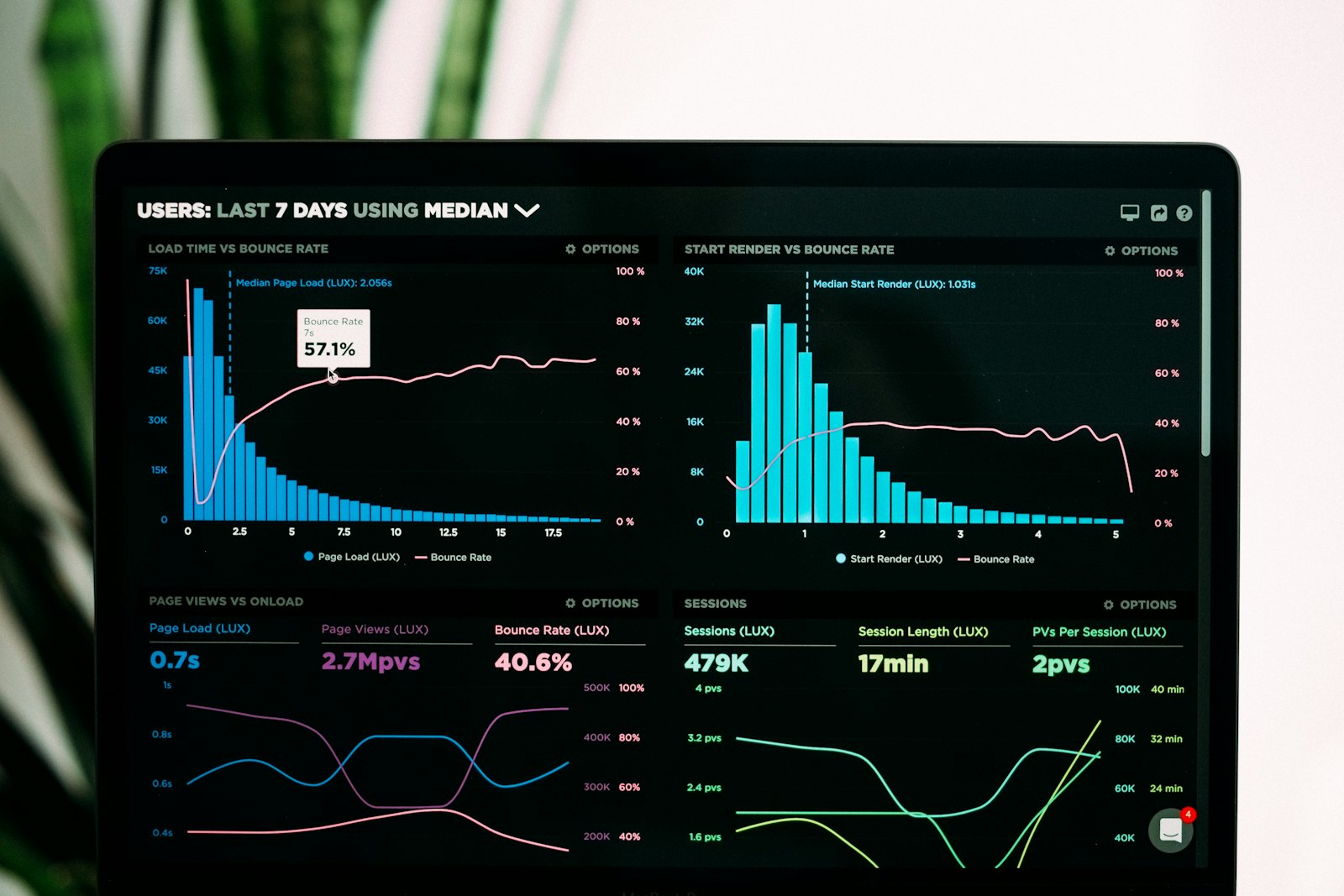
AI Data & Analytics lets anyone in the team explore business data without formulas or SQL. The AI turns each question into a database query, runs it on your dataset and explains the result in plain words.
How it works
- Upload a spreadsheet — sales, leads, stock, survey results, attendance and more.
- Check the profile — every column is typed and summarised (totals, ranges, top values).
- Ask — the answer comes with the right chart, the data table and two to four key insights.
- Pin the answers you need every week to your dashboard.
Privacy and safety
Each dataset is stored in its own private database file and opened read-only. Only a single SELECT query is allowed, and the AI sees column names, statistics, a few sample rows and query results — not your whole file. The query behind every answer is visible for transparency.